
Print and copy in the library
Information on printing and copying services in the Library.
Last updated 5 April 2026
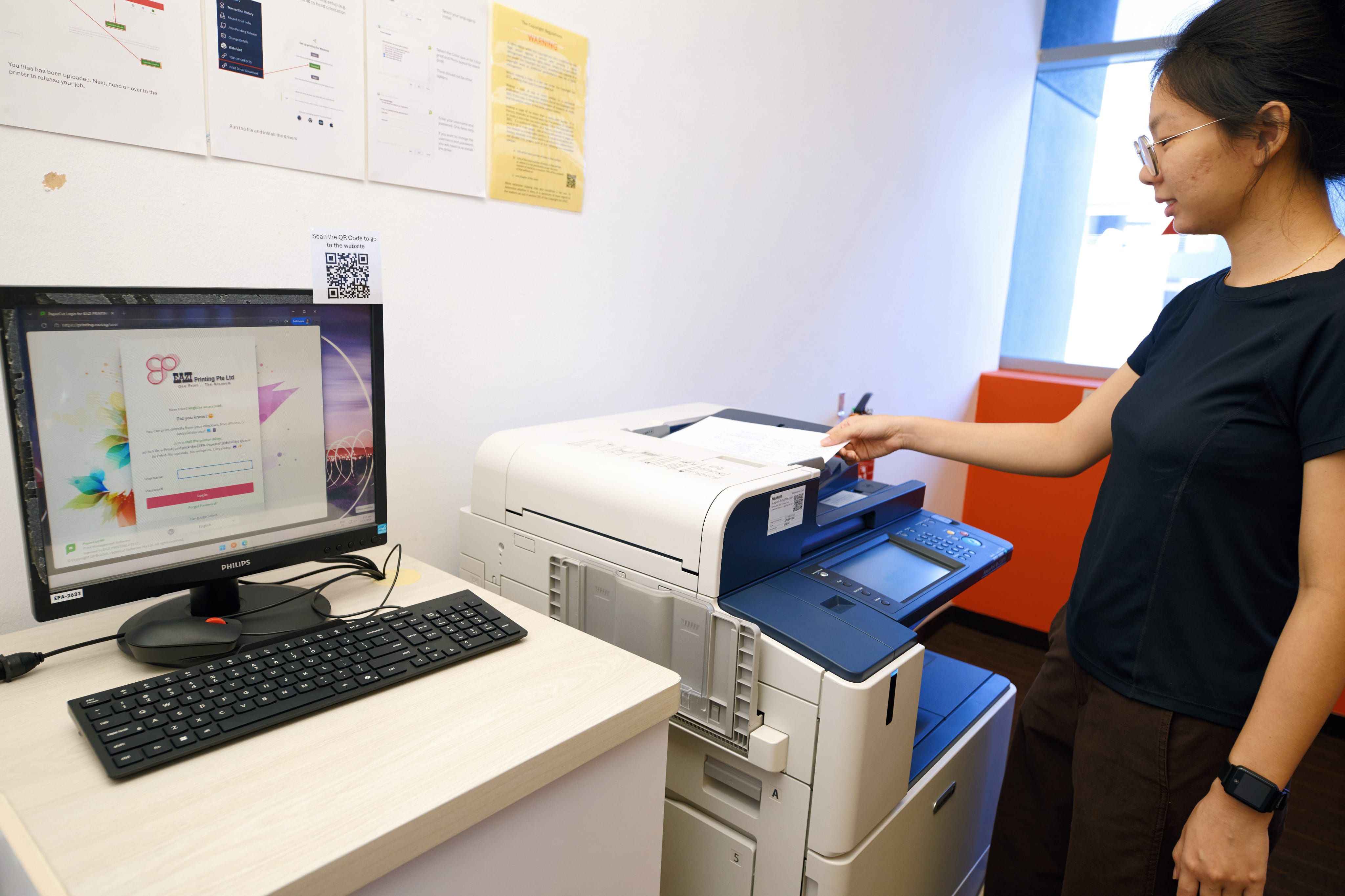
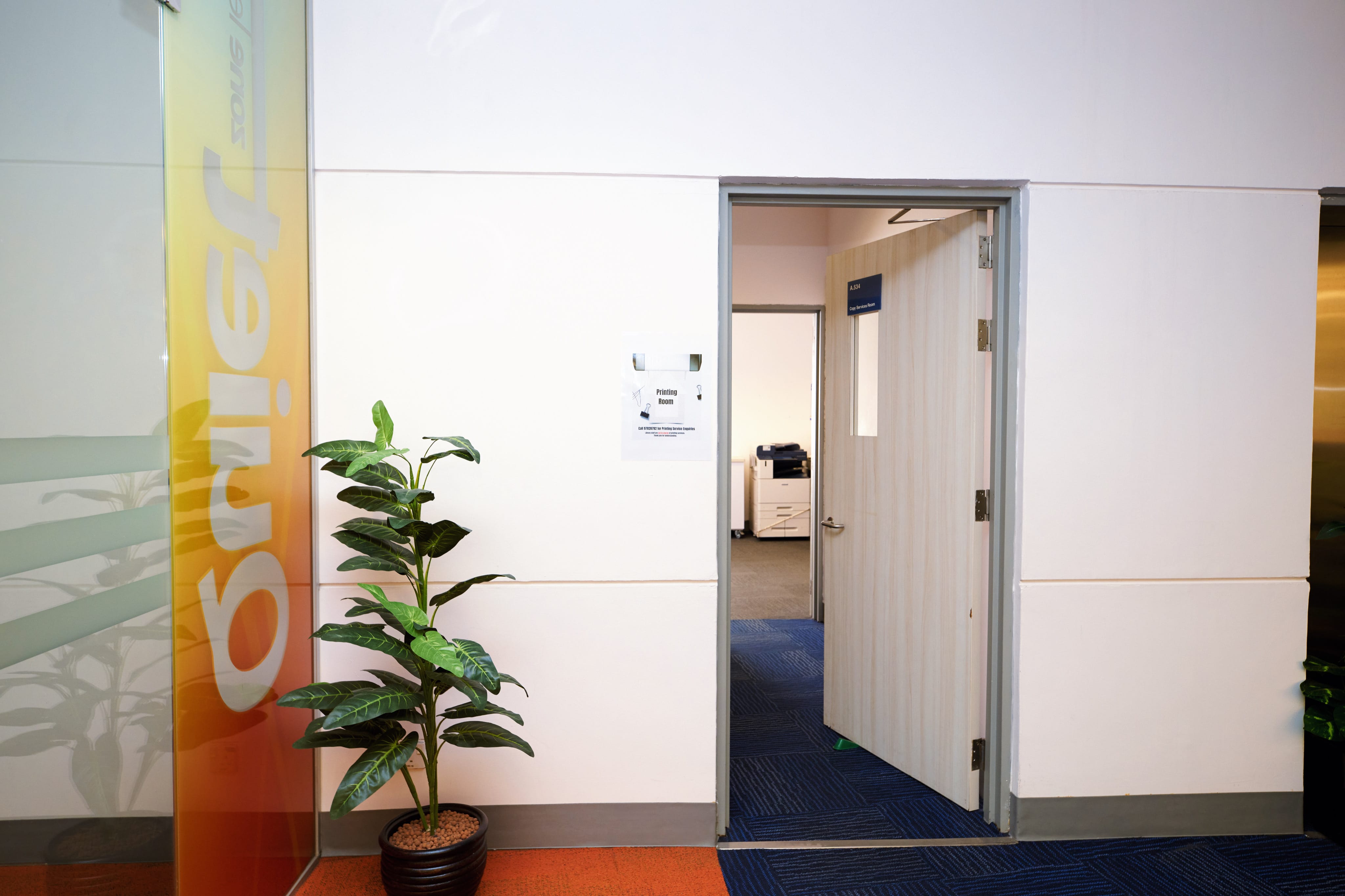
Where to find printers and copiers
Level 5, Centre Wing
Go through the glass doors. The Printing Room is on the right.
Level 4, South Wing
Enter the wing. Turn left to find the printers.
Need help with printing and copying?
Printing and copying services are managed by our vendor, Eazi Print. Library staff do not manage printing services.
If you need help with printing and copying, you may:
Contact the Print Room staff directly at 9782 8782.
Go to the printing room on Library Level 5. It is located behind the glass door on the right side of the wing when you come up the stairs.
Note: The printing room closes 30 minutes before the library closes.